Cuisinart Automatic Grind and Brew Instruction Manual: A Comprehensive Guide
This comprehensive guide details the Cuisinart Automatic Grind & Brew, offering safety precautions, setup instructions, and maintenance tips for optimal brewing performance.
Explore features like whole bean grinding, programmable settings, and easy cleaning, ensuring consistently delicious coffee with your Cuisinart coffeemaker.
Understanding Your Cuisinart Grind and Brew
Your Cuisinart Grind & Brew coffeemaker is designed for convenience, seamlessly integrating a burr grinder with a brewing system. This all-in-one appliance allows you to enjoy freshly ground coffee with minimal effort. Understanding its components and functionality is key to maximizing your coffee experience.
This model typically features a bean hopper for whole beans, a grind chamber, a water reservoir, a brew basket, and a thermal carafe to keep coffee warm. The control panel allows you to program brewing time, adjust grind size, and select brew strength. The “Grind-Off” feature accommodates pre-ground coffee, offering flexibility.
Familiarize yourself with the various parts and their functions as outlined in the instruction booklet. Proper understanding ensures safe operation and optimal performance, delivering consistently flavorful coffee tailored to your preferences. Regular review of the manual will enhance your enjoyment.
Safety Precautions
Prioritize safety when operating your Cuisinart Grind & Brew. Always unplug the coffeemaker before cleaning or when not in use. Avoid immersing the appliance, cord, or plug in water or other liquids. Never operate the coffeemaker with a damaged cord or plug.
Exercise caution when handling hot surfaces, including the carafe and brew basket. Keep the appliance out of reach of children. Do not use outdoors. Ensure the coffeemaker is placed on a stable, heat-resistant surface. Avoid touching moving parts during operation.
Never attempt to repair the coffeemaker yourself; contact Cuisinart customer support for assistance. Use only genuine Cuisinart replacement parts. Read all instructions carefully before use to prevent potential hazards and ensure safe operation. Following these precautions guarantees a safe and enjoyable coffee brewing experience.
Key Features and Components
The Cuisinart Grind & Brew boasts a fully automatic operation, grinding beans directly before brewing for maximum freshness. Key components include a removable bean hopper with adjustable grind settings, a large capacity water reservoir, and a 10-cup thermal carafe for extended temperature retention.
This model features a grind-off function, allowing use with pre-ground coffee. A programmable 24-hour auto-brew timer offers convenient scheduling. The coffeemaker also includes brew strength control for customized flavor. Essential parts are the burr grinder, brew basket, filter holder, and control panel with digital display.
Its sleek design and user-friendly interface make it a standout appliance. The thermal carafe minimizes heat loss, ensuring a hot and flavorful brew. These features combine to deliver a superior coffee experience.
Before First Use: Initial Setup
Prior to the first brew, thoroughly clean all removable parts – the carafe, filter basket, bean hopper, and water reservoir – with warm, soapy water. Rinse completely and dry. Ensure the grinder chamber is free of any debris. Initial setup requires plugging in the coffeemaker and setting the correct time using the ‘Clock’ function on the control panel.
Run a full brewing cycle with only water (no coffee grounds) to cleanse the system. This removes any residual manufacturing residue. Discard the water after this cycle. It’s also recommended to install and flush the water filter, if included, following the instructions provided.
This initial cleaning process ensures optimal performance and the purest coffee flavor from your first cup.
Grinding Coffee Beans
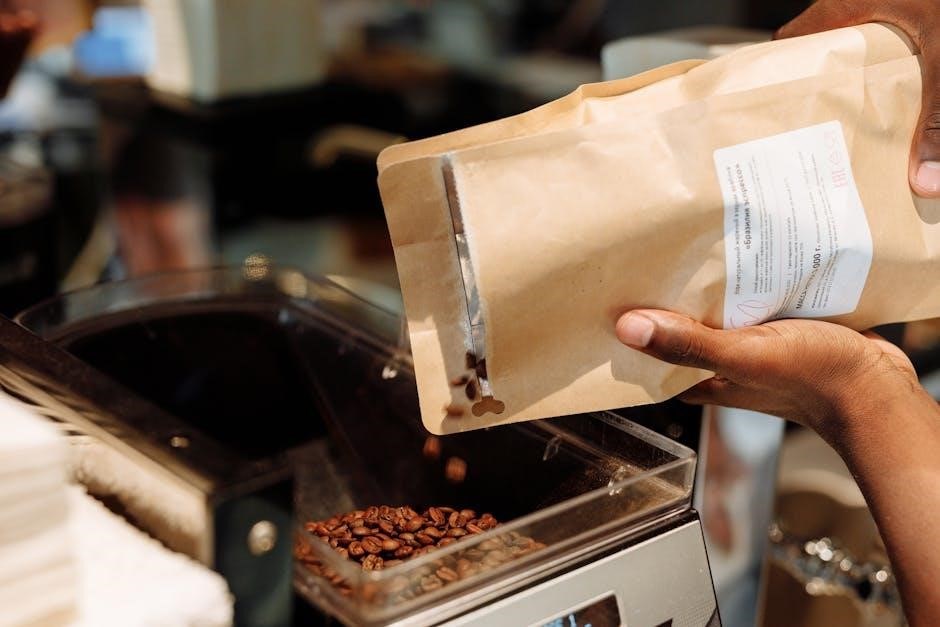
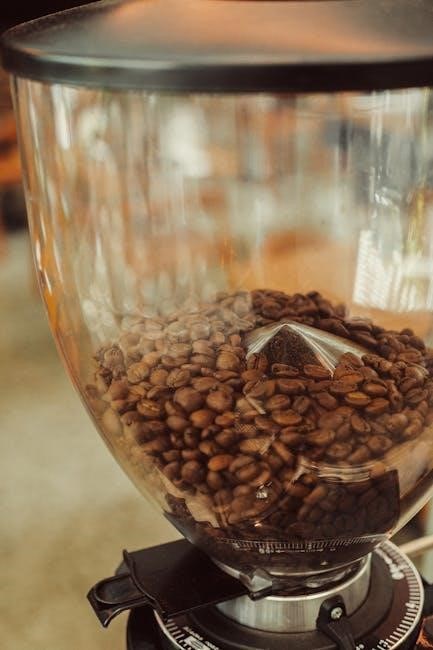
The Cuisinart Grind & Brew excels at grinding whole beans just before brewing, maximizing flavor. The bean hopper accommodates approximately 8 ounces of your favorite coffee beans. For best results, use fresh, high-quality whole bean coffee. Avoid oily beans, as they can clog the grinder.
Adjusting grind settings is crucial for optimal extraction. A finer grind is suitable for darker roasts, while a coarser grind works better with lighter roasts. Experiment to find your preferred setting. The control panel allows you to select the desired grind consistency. Remember, a consistent grind ensures even brewing.
Regularly cleaning the grind chamber prevents buildup and maintains performance.
Bean Hopper Capacity and Types of Beans
The bean hopper on your Cuisinart Grind & Brew coffeemaker typically holds around 8 ounces of whole bean coffee. This capacity is ideal for several brewing cycles before requiring a refill. When selecting beans, prioritize freshness for the most flavorful coffee.

Arabica beans are known for their smoother, more aromatic profile, while Robusta beans offer a bolder, more caffeinated experience. Experiment with single-origin beans or blends to discover your preferences. Avoid using oily beans, as they can potentially clog the grinding mechanism.

Storing beans in an airtight container, away from light and moisture, will preserve their freshness and flavor.
Adjusting Grind Settings
Your Cuisinart Grind & Brew features adjustable grind settings, allowing you to customize the coffee’s texture and strength. A coarser grind is best suited for French presses, while a medium grind works well for drip coffee makers like this one. Finer grinds are typically used for espresso machines.
To adjust the grind, locate the grind control dial – often marked with settings ranging from coarse to fine. Start with the medium setting and adjust incrementally based on your taste preferences. If the coffee tastes weak, try a finer grind. If it’s bitter, opt for a coarser setting.
Remember to make small adjustments and brew a test batch to evaluate the results before making further changes.
Brewing Coffee
Brewing with your Cuisinart Grind & Brew is straightforward. Ensure the water reservoir is filled with fresh, filtered water to the desired level, observing the cup markings. The coffeemaker supports both whole bean coffee and pre-ground coffee using the ‘Grind-Off’ feature.
For whole beans, fill the bean hopper. For pre-ground coffee, select the ‘Grind-Off’ option and add the grounds directly to the filter basket. Always use a paper filter or the reusable filter provided. Close the lid securely.
Press the power button to begin the brewing process. You can customize brew strength and program auto-brew functions for convenient, automated coffee making. Enjoy freshly brewed coffee!
Using Whole Bean Coffee
Brewing with whole bean coffee unlocks the freshest flavor. Simply fill the bean hopper with your preferred beans – ensuring they are within the recommended capacity. The Cuisinart Grind & Brew automatically grinds the beans immediately before brewing, maximizing aroma and taste.
Select your desired grind setting (refer to the ‘Adjusting Grind Settings’ section) to tailor the coffee’s strength and body. The coffeemaker handles a variety of bean types, but avoid oily or flavored beans as they may clog the grinder.
Press the brew button, and the machine will grind and brew, delivering a rich, flavorful cup. Enjoy the convenience and superior taste of freshly ground coffee!
Using Pre-Ground Coffee (Grind-Off Feature)
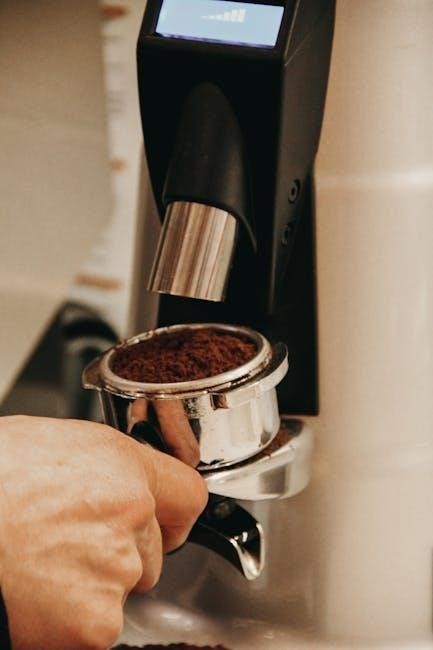
The “Grind-Off” feature provides flexibility for using pre-ground coffee. To utilize this, press the “Grind-Off” button before initiating the brewing cycle. This bypasses the grinder, allowing you to brew directly with your pre-ground coffee.
Add the desired amount of pre-ground coffee to the brew basket – typically one to two tablespoons per cup, adjusting to your preference. Ensure the coffee is level for even saturation. This feature is ideal when you’re short on time or prefer a specific grind that isn’t easily achievable with the built-in grinder.
Press the brew button, and the coffeemaker will proceed with brewing, delivering a convenient and flavorful cup of coffee.
Water Reservoir and Filter Usage
The water reservoir is crucial for brewing quality coffee. Fill it with fresh, cold, filtered water to the desired cup level, using the water level indicator on the side. Do not overfill, as this can affect brewing performance. Regularly check the reservoir for mineral buildup.
Cuisinart coffeemakers utilize paper filters. Place a standard #4 cone filter into the brew basket before adding coffee grounds. Ensure the filter is properly seated to prevent overflow. For optimal flavor, rinse the paper filter with water before adding coffee; this removes any papery taste.
Replace filters regularly for consistent brewing. Using quality water and filters significantly enhances the coffee’s taste and extends the coffeemaker’s lifespan.
Programmable Features
Cuisinart Grind & Brew coffeemakers offer convenient programmable features for automated coffee brewing. Setting the clock is the first step, allowing accurate use of the auto-brew function. Access the clock setting through the control panel, adjusting hours and minutes.
Auto-brew programming lets you schedule coffee to brew automatically at a desired time. Set the brew time, and the coffeemaker will grind and brew coffee precisely when you want it. Brew strength control allows customization of coffee flavor. Choose between regular or bold settings to adjust brewing time and extraction.
These features provide flexibility and convenience, ensuring a fresh, flavorful cup of coffee is ready when you are.
Setting the Clock
Accurate timekeeping is crucial for utilizing the programmable features of your Cuisinart Grind & Brew. To set the clock, first, press and hold the ‘Clock’ button until the hour display flashes. Use the ‘Hour’ and ‘Minute’ buttons to adjust the current time. Ensure you observe the AM/PM indicator for correct time setting.
Press the ‘Clock’ button again to confirm the hour, and the minute display will flash. Repeat the process using the ‘Hour’ and ‘Minute’ buttons to set the correct minutes. A final press of the ‘Clock’ button saves the time setting.
Verify the displayed time to ensure accuracy, as this setting governs the auto-brew function and other timed features.
Auto-Brew Programming
Auto-Brew programming allows you to wake up to freshly brewed coffee. Press the ‘Auto-Brew’ button; the display will flash. Use the ‘Hour’ and ‘Minute’ buttons to set the desired start time for brewing. Confirm your selection by pressing the ‘Auto-Brew’ button again.
A small indicator light will illuminate, confirming that the auto-brew function is activated. Ensure the water reservoir is filled, and sufficient ground coffee is in the filter basket before setting the auto-brew time.
To cancel the auto-brew function, simply press the ‘Auto-Brew’ button once. The indicator light will turn off. Remember to check the clock setting for accurate brewing times.
Brew Strength Control
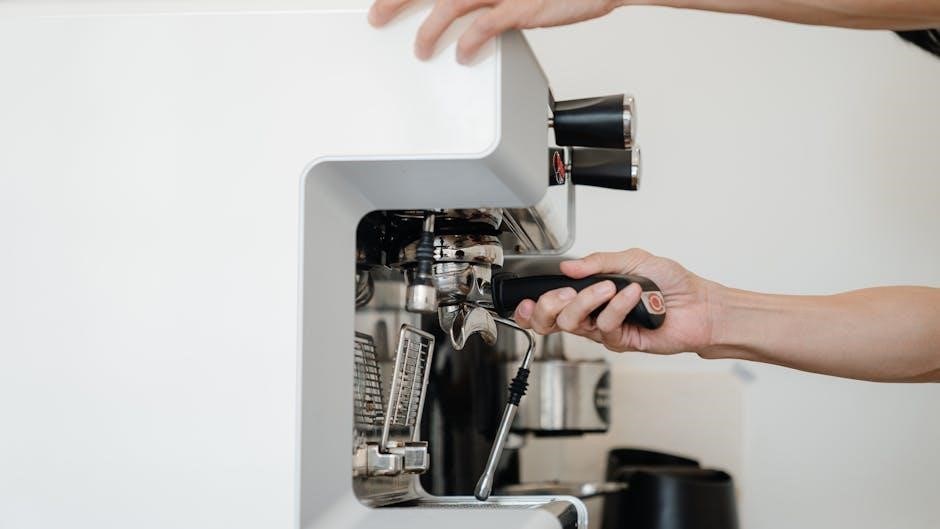
Cuisinart’s Grind & Brew offers adjustable brew strength to customize your coffee experience. Before starting the brewing process, press the ‘Brew Strength’ button. This cycles through the available options: Regular, Bold, and Over Ice.
The selected brew strength will be indicated on the display panel. Regular provides a classic coffee flavor, Bold delivers a richer, more intense taste, and Over Ice is designed for brewing directly over ice, resulting in a cooler, less diluted beverage.
Experiment with each setting to discover your preferred strength. Remember that using bolder settings may require adjusting the coffee-to-water ratio for optimal results. Enjoy!
Cleaning and Maintenance
Regular cleaning ensures optimal performance and longevity of your Cuisinart Grind & Brew. Daily cleaning involves washing the carafe, filter basket, and brew basket with warm, soapy water. Rinse thoroughly. The water reservoir should also be emptied and wiped clean daily.
Descaling is crucial to remove mineral buildup. Use a descaling solution or a mixture of white vinegar and water, following the coffeemaker’s descaling cycle instructions. Cleaning the grind chamber requires unplugging the unit and using a soft brush to remove coffee grounds.
Avoid abrasive cleaners. Consistent maintenance prevents malfunctions and guarantees flavorful coffee for years to come.
Daily Cleaning Procedures
Consistent daily cleaning is vital for maintaining your Cuisinart Grind & Brew. After each use, immediately wash the thermal carafe, brew basket, and filter basket with warm, soapy water. Ensure all coffee residue is removed to prevent stale flavors.

Rinse all components thoroughly to eliminate soap traces. Wipe down the exterior of the coffeemaker with a damp cloth. Empty the grounds container after each brewing cycle. Don’t forget to wipe the drip tray to prevent overflow.
These simple steps prevent buildup and ensure consistently fresh-tasting coffee. A quick daily routine extends the life of your coffeemaker and preserves its brewing quality.
Descaling the Coffeemaker
Regular descaling is crucial for removing mineral buildup within your Cuisinart Grind & Brew. This buildup can affect brewing performance and coffee taste. Use a commercial descaling solution specifically designed for coffee makers, or a mixture of equal parts white vinegar and water.
Fill the water reservoir with the descaling solution. Run a full brewing cycle without coffee grounds. Repeat this process with fresh water two to three times to thoroughly rinse the system. Discard the used solution carefully.
Descale every 3-6 months, depending on water hardness. Ignoring this step can lead to reduced efficiency and potential damage to your coffeemaker. A clean machine brews better coffee!
Cleaning the Grind Chamber
Regularly cleaning the grind chamber ensures optimal grinder performance and prevents stale coffee oils from affecting flavor. Unplug the coffeemaker before cleaning. Remove the grind chamber according to the instruction manual – typically by lifting or twisting.
Empty any remaining coffee grounds. Use a soft brush or a dry cloth to wipe down the chamber interior. Avoid using water or detergents directly inside the grind chamber, as this can damage the burrs. For stubborn residue, a dry toothbrush can be effective.
Reassemble the grind chamber securely. A clean grind chamber contributes to consistently fresh and flavorful coffee. Clean after every 20 uses, or more frequently with heavy use.
Troubleshooting Common Issues
If the coffee maker won’t turn on, check the power cord connection and ensure the outlet is functioning. For a non-functioning grinder, verify the bean hopper is properly seated and contains beans. Insufficient grounds may indicate a coarse grind setting or a clogged grinder – clean the grind chamber.
Weak coffee often results from using too few coffee beans, a coarse grind setting, or insufficient water. Strong coffee can be remedied by using more beans, a finer grind, or less water. If error codes appear, consult the manual’s error code section for specific solutions.
Regular descaling prevents mineral buildup, addressing many brewing issues. Always refer to the full instruction manual for detailed troubleshooting steps and safety precautions.
Coffee Maker Not Turning On
If your Cuisinart Grind & Brew isn’t powering on, begin with the simplest checks. Ensure the power cord is securely plugged into both the coffee maker and a functioning electrical outlet. Test the outlet with another appliance to confirm it’s delivering power. Check the circuit breaker or fuse box; a tripped breaker or blown fuse will prevent operation.
Verify the unit is properly assembled, as some models have safety interlocks that prevent operation if components aren’t correctly in place. If using an extension cord, ensure it’s rated for the appliance’s wattage. A faulty power cord may also be the issue – consider testing with a known working cord (with caution).
Consult the full instruction manual for specific troubleshooting diagrams and safety guidelines.
Grinder Not Working
If the grinder isn’t functioning, first ensure there are sufficient coffee beans in the hopper. The grinder may not activate with an empty or nearly empty hopper. Check for any obstructions within the grind chamber; foreign objects or built-up coffee grounds can jam the mechanism. Unplug the unit before attempting to clear any blockages.
Verify the grind setting isn’t set to “off” or a position that prevents grinding. Listen for the grinder motor; if it hums but doesn’t grind, a blockage is likely. If the motor doesn’t respond, there may be an electrical issue within the grinder itself.
Refer to the cleaning section for instructions on thoroughly cleaning the grind chamber. Consult the manual for diagrams and safety precautions.
Coffee Brewing Too Weak or Too Strong
Weak coffee often indicates insufficient coffee grounds. Increase the amount of beans used, or select a finer grind setting to extract more flavor; Ensure you’re using fresh coffee beans, as stale beans lose their potency. Check the brew strength control; if available, increase the setting for a bolder flavor.
Strong coffee usually means too many grounds or a grind that’s too fine. Reduce the amount of beans or select a coarser grind setting. Verify the water reservoir is filled to the correct level; too little water concentrates the brew.
Experiment with different settings to find your preferred strength. Regular cleaning prevents residue buildup that can affect flavor.
Parts Replacement
Maintaining your Cuisinart Grind & Brew requires occasional parts replacement for optimal performance. Replacement parts, including carafes, filters, and grind chamber components, are crucial for continued functionality. Genuine Cuisinart parts are recommended to ensure compatibility and quality.
Locate replacement parts through the Cuisinart website, authorized retailers, or by contacting Cuisinart customer support. The water filter, if equipped, should be replaced every two months or after 60 tank refills to maintain water purity and coffee flavor.
Always unplug the coffeemaker before replacing any parts. Refer to the instruction manual for specific replacement procedures. Regularly inspect parts for wear and tear.
Where to Find Replacement Parts
Finding genuine Cuisinart replacement parts for your Grind & Brew is straightforward. The primary source is the official Cuisinart website, offering a comprehensive catalog with detailed part numbers and diagrams. Authorized Cuisinart retailers, both online and brick-and-mortar stores, also stock common replacement components like carafes and filters.
Major appliance parts retailers frequently carry Cuisinart parts, providing another convenient option. Customer support can assist in identifying the correct part number for your specific model. Always verify compatibility before purchasing, ensuring a proper fit and function.
Beware of third-party sellers offering potentially incompatible or lower-quality parts. Prioritize genuine Cuisinart parts to maintain the coffeemaker’s performance and warranty.
Replacing the Water Filter
Regular water filter replacement is crucial for optimal coffee flavor and machine longevity. Cuisinart recommends changing the filter every two months, or after 60 tank refills, whichever comes first. Locate the filter holder, typically within the water reservoir. Remove the old filter and discard it responsibly.
Before installing the new filter, soak it in cold water for five minutes to activate its filtering properties. Insert the new filter securely into the holder, ensuring a snug fit. Flush the system by running a full brewing cycle with water only – discard this water.
Genuine Cuisinart filters are readily available online and at retailers. Using non-Cuisinart filters may compromise performance and void the warranty.
Advanced Features
Beyond basic operation, your Cuisinart Grind & Brew offers features for a customized coffee experience. The thermal carafe, designed for extended heat retention, should be preheated with hot water before brewing to maximize warmth. Some models include a self-cleaning function; consult your specific model’s instructions for activation and usage – typically involving a vinegar and water solution.
Explore brew strength control for bolder or milder flavors. Utilize the auto-brew programming to wake up to freshly brewed coffee. Understanding error codes displayed on the unit can quickly diagnose issues, saving time and potential service calls.
Experiment with different bean types and grind settings to discover your perfect cup.
Thermal Carafe Care
Maintaining your thermal carafe is crucial for optimal performance and longevity. Always preheat the carafe with hot water before each brewing cycle; this significantly enhances heat retention, keeping your coffee warmer for longer periods. Avoid abrasive cleaners or scouring pads, as these can damage the stainless steel interior and exterior.
Hand washing is recommended to preserve the carafe’s insulating properties. Ensure the lid is securely fastened to prevent heat loss. Periodically inspect the carafe for any cracks or damage; a compromised carafe will not maintain temperature effectively.
Do not subject the carafe to sudden temperature changes, such as pouring cold liquid into a hot carafe, as this could cause it to shatter.
Self-Cleaning Function (if applicable)
If your Cuisinart Grind & Brew model features a self-cleaning function, it simplifies maintenance considerably. Initiate the cleaning cycle by following the on-screen prompts or button sequence detailed in the full instruction manual. Ensure the carafe is empty and the filter basket is clean before starting.
The self-cleaning cycle typically involves running a cleaning solution (often a mixture of water and white vinegar) through the brewing system to remove mineral buildup and coffee residue. Never interrupt the self-cleaning process once it has begun.
After the cycle completes, run several cycles with fresh water to rinse away any remaining cleaning solution. Regular use of the self-cleaning function helps maintain optimal brewing performance and extends the lifespan of your coffeemaker.
Understanding Error Codes
Your Cuisinart Grind & Brew coffeemaker may display error codes to indicate specific issues. These codes help diagnose problems and guide troubleshooting. Consult the complete instruction manual for a detailed explanation of each code.
Common error codes might include “E1” indicating a water reservoir issue, “E2” signaling a grinder malfunction, or “E3” suggesting a temperature sensor problem. Ignoring error codes can lead to further damage or inconsistent brewing.
Attempting simple fixes, like refilling the water reservoir or ensuring the grinder isn’t jammed, may resolve the issue. If the error persists, contact Cuisinart customer support for assistance, providing the specific error code for faster resolution.
Warranty Information
Cuisinart stands behind the quality of its products, including the Automatic Grind & Brew coffeemaker. This appliance is covered by a limited warranty, protecting against defects in materials and workmanship under normal household use. The standard warranty period is typically one year from the date of original purchase, though extended warranties may be available.
To make a warranty claim, retain your proof of purchase and contact Cuisinart customer support. The warranty does not cover damage resulting from misuse, accidents, or unauthorized repairs.
Carefully review the full warranty details included with your coffeemaker or available on the Cuisinart website for specific terms and conditions. Registering your product online can streamline the warranty process.
Cuisinart Customer Support Contact Details
For assistance with your Cuisinart Automatic Grind & Brew coffeemaker, several support options are readily available. You can reach Cuisinart’s customer service team via phone at 1-800-726-0190, typically available during standard business hours. Their website, www.cuisinart.com, offers a comprehensive FAQ section, downloadable manuals, and troubleshooting guides.
Email support is also accessible through the “Contact Us” page on their website, allowing for detailed inquiries. Live chat support may be available during peak hours for immediate assistance. Social media channels, like Facebook and Twitter, can also be used to reach Cuisinart for quick questions.
Ensure you have your model number (DGB-450C series or similar) when contacting support for efficient assistance.